WRISTGRID GUIDE
Garmin widget not updating on iPhone? Here's what to check
If a Garmin widget is not updating on your iPhone, open WristGrid once, keep the phone near the watch with Bluetooth on, and confirm GW Bridge is running on the watch. WristGrid widgets read cache-only local snapshots, while WidgetKit controls when the next render happens.
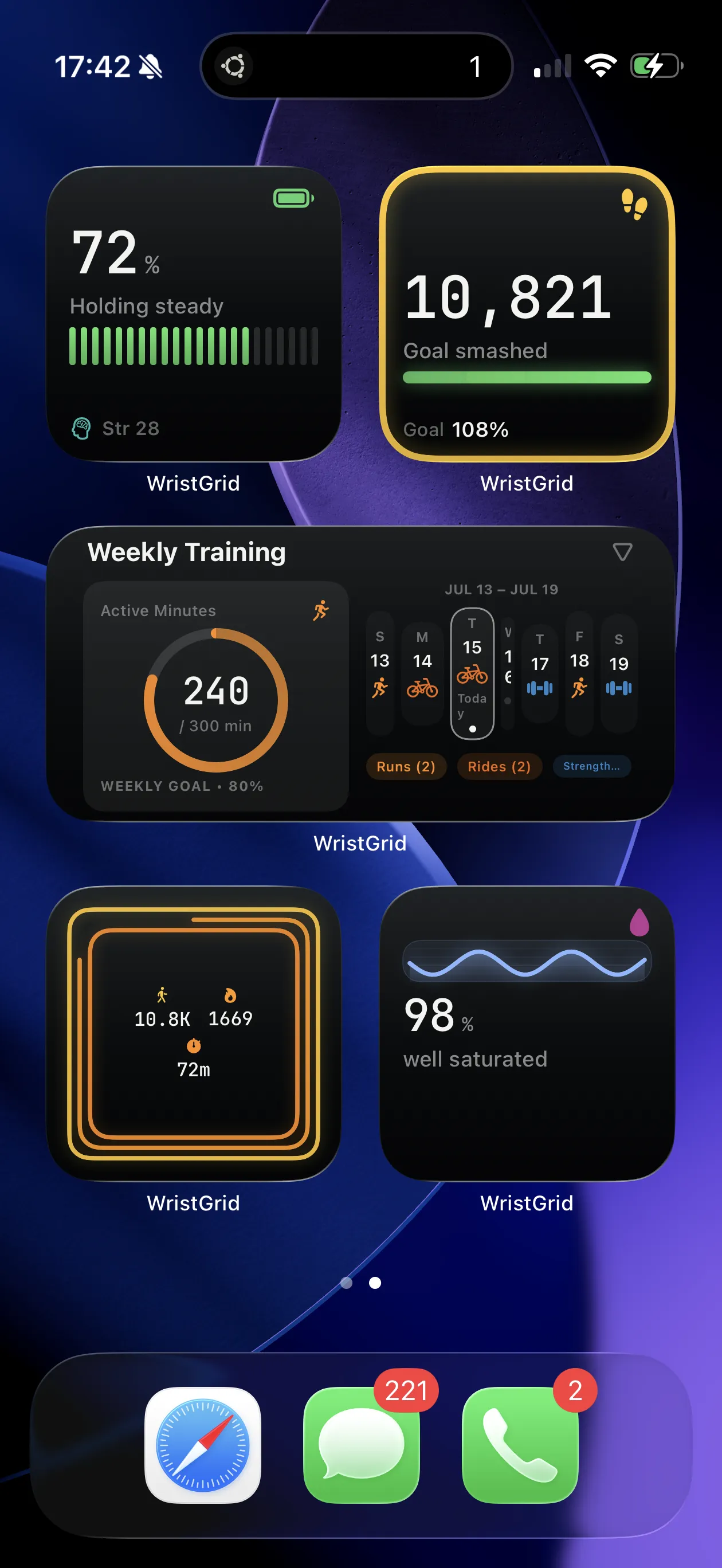
Home Screen widget placement after checking the local snapshot path.
Why a Garmin widget shows a dash or last-good value
WristGrid widgets are cache-only readers of local snapshots. A dash or last-good value can appear when the watch has not synced, when the metric is unavailable or unsupported on that device, or when WidgetKit has not refreshed the widget yet.
The widget is not a direct live connection to the watch. It can only render the snapshot that is available to the iPhone widget extension.
Check the watch-to-phone path first
Open WristGrid once, keep the iPhone near the watch, and make sure Bluetooth is on. Then confirm GW Bridge is running on the watch; the bridge is the watch-side companion that provides the data path for the local snapshot.
Garmin Connect Mobile must be installed. If the watch profile or the requested metric is unavailable or unsupported, the widget can continue to show a dash even when the rest of the setup is nearby.
Give WidgetKit a chance to refresh
After the watch syncs, wait for the next WidgetKit refresh cycle. WidgetKit controls the timing, typically within 15–60 minutes, and no exact refresh interval is guaranteed.
If the value remains stale after the next cycle, re-add the widget as another troubleshooting step.
Requirements and honest limits
The setup requires iOS 18+, Garmin Connect Mobile, GW Bridge from the Connect IQ Store, a compatible Instinct 2S, vivoactive 5, or Forerunner 265 profile, and Bluetooth. Keep the phone near the watch while checking the sync path.
A widget can only show the data available in its local snapshot. It does not guarantee automatic refresh, and it should not be treated as a direct or continuous watch display.
WristGrid is an independent product and is not affiliated with, endorsed by, or sponsored by Garmin. Garmin and Connect IQ are trademarks of Garmin Ltd.
FAQ
Frequently asked questions.
Why is my Garmin widget showing a dash on iPhone?
A dash can mean the watch has not synced, the metric is unavailable or unsupported on the device, or WidgetKit has not refreshed the local snapshot yet.
What should I check first when the widget is stale?
Open WristGrid once, keep the phone near the watch with Bluetooth on, and confirm GW Bridge is running on the watch.
How long should I wait for a Garmin widget to update?
Wait for the next WidgetKit refresh cycle. Refresh is typically within 15–60 minutes, but WidgetKit controls the timing and no interval is guaranteed.
Will re-adding the widget fix a stale value?
It is another real fix to try after checking the local snapshot path, Bluetooth, watch proximity, and GW Bridge.
NEXT STEP
Put your Garmin metrics on your iPhone.
Now on the App Store