WRISTGRID GUIDE
See your Garmin stress level on your iPhone
Garmin's stress tracking is powerful, but it's usually buried in the Connect app. WristGrid surfaces your stress level as an iPhone widget so you can spot a stressful day building before it catches up with you.
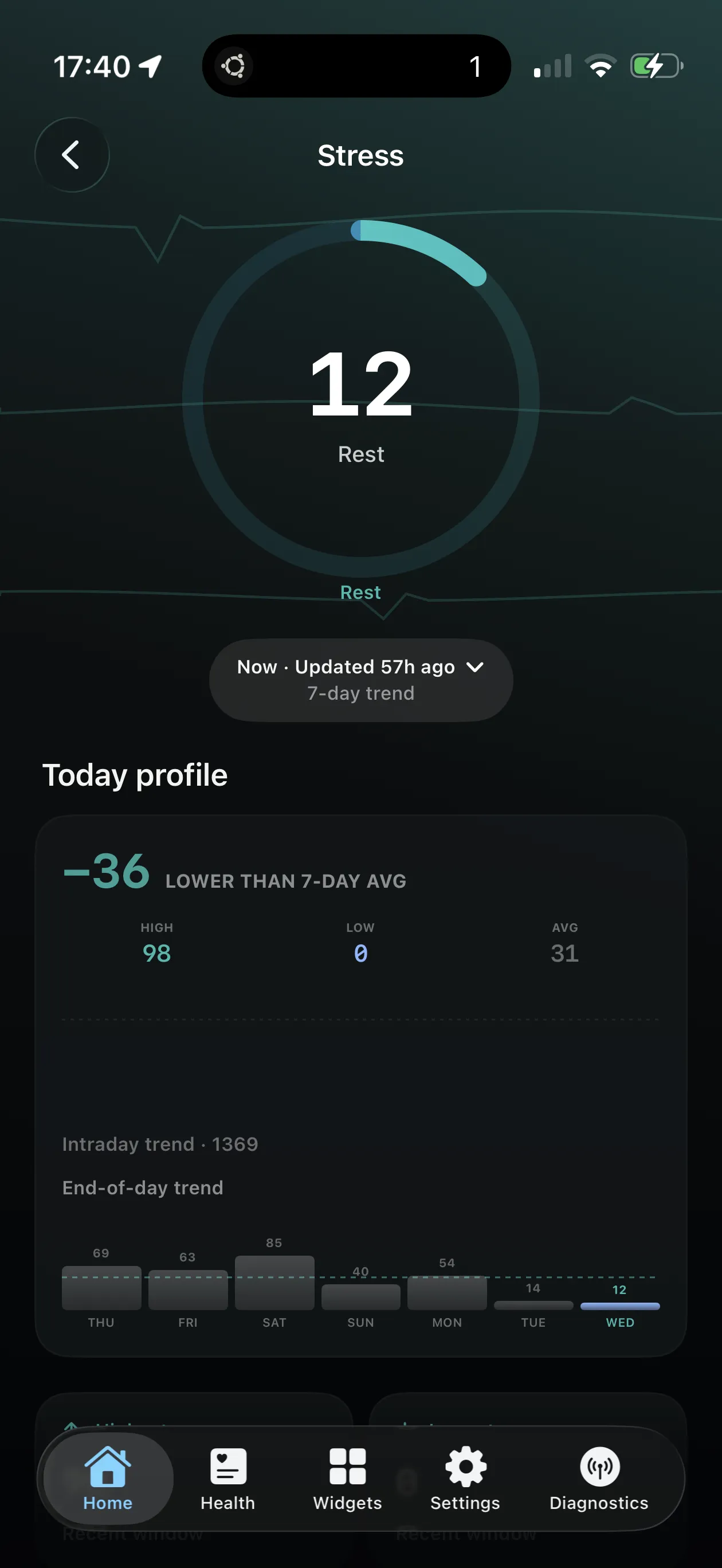
Stress shown alongside Body Battery and energy as an iPhone widget.
What Garmin stress measures
Your watch estimates stress throughout the day primarily from heart-rate variability, giving a live read on how loaded your nervous system feels — not just how hard you trained.
Spikes during meetings or travel are easy to miss if the number only lives inside Connect.
Why glanceable stress helps
A widget makes stress visible between meetings, not only in a post-hoc evening report. Catching a climb early is when a short walk or breathing break still helps.
Shown next to Body Battery, stress explains why your energy score is draining even when step count looks fine.
How WristGrid shows it
WristGrid reads stress from your watch via GW Bridge and shows it — alongside Body Battery and energy context — as an iPhone Home Screen or Lock Screen widget with periodic refresh controlled by WidgetKit.
WristGrid is an independent product and is not affiliated with, endorsed by, or sponsored by Garmin. Garmin and Connect IQ are trademarks of Garmin Ltd.
FAQ
Frequently asked questions.
Can I see my Garmin stress level on my iPhone?
Yes — WristGrid shows your Garmin stress level as an iPhone widget.
Does WristGrid show energy too?
Yes — stress is shown alongside Body Battery and energy context where available.
Is WristGrid affiliated with Garmin?
No — it's an independent product, not affiliated with or endorsed by Garmin.
NEXT STEP
Put your Garmin metrics on your iPhone.
Now on the App Store