WRISTGRID GUIDE
See your Garmin Body Battery on your iPhone
Body Battery is one of Garmin's most useful metrics, but it normally lives only on your watch and inside Garmin Connect. WristGrid puts a Body Battery widget on your iPhone Home Screen or Lock Screen — and it is available on the App Store.
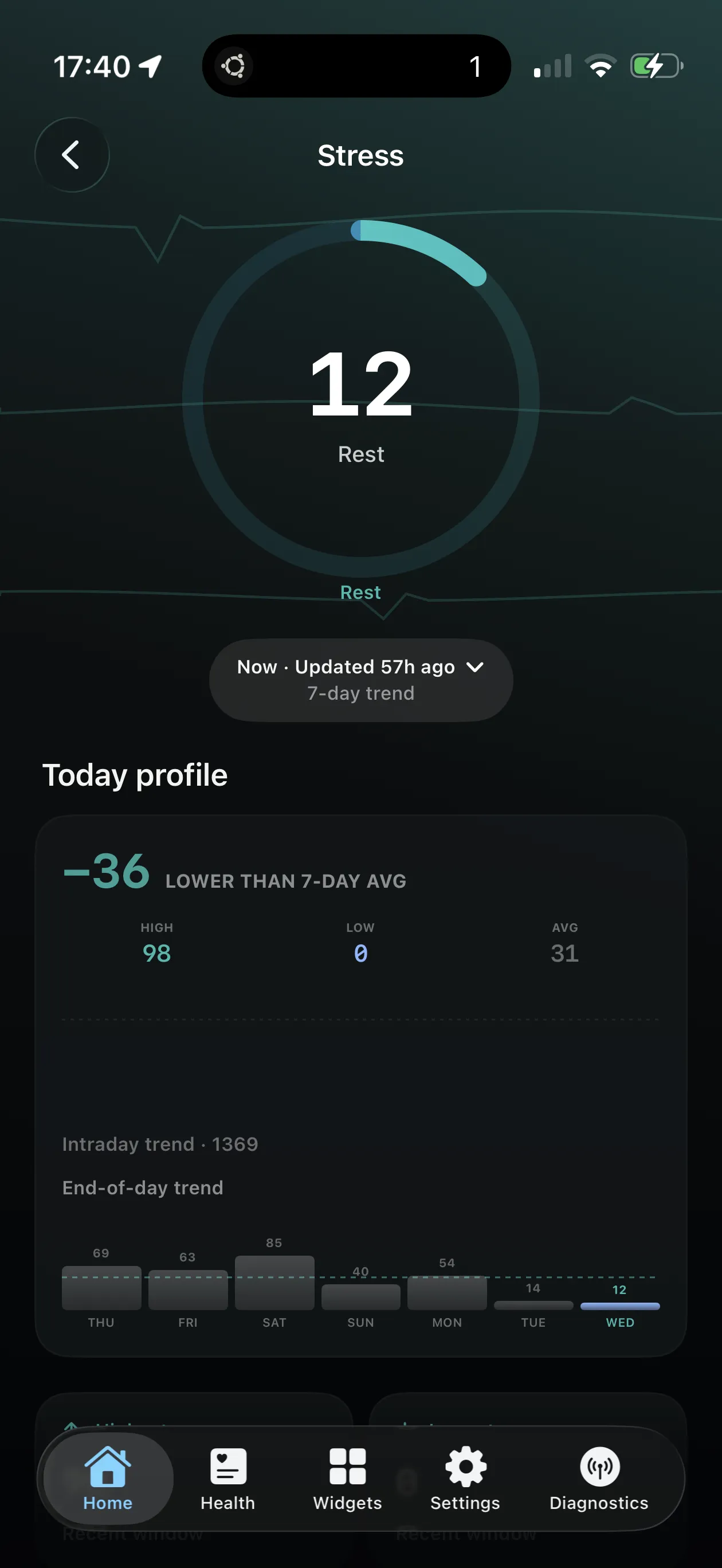
Body Battery rendered as a glanceable iPhone widget with periodic refresh from the watch data path.
What Body Battery tells you
Body Battery is Garmin's energy score (typically 0–100). It combines sleep, stress, and activity so you can see how much charge you have left to spend — and whether a hard session or a quieter day makes more sense.
Many Garmin users check it first thing in the morning and again after a stressful block of work. On the watch it is one glance; on iPhone, without widgets, it means opening Connect every time.
Why put Body Battery on your phone
Your phone unlocks far more often than you raise your wrist in meetings or on a commute. A Home Screen or Lock Screen Body Battery widget turns that habit into a readiness check without launching an app.
Pairing Body Battery with stress and sleep widgets on the same screen gives a mini morning briefing: energy, overnight recovery, and whether stress is climbing.
How WristGrid shows Body Battery
WristGrid reads Body Battery from your watch through the GW Bridge Connect IQ companion and renders it as a circular or rectangular iPhone widget. Larger families can show supporting context; Lock Screen widgets keep a compact gauge next to the clock.
Data stays local on the iPhone: no account, no analytics SDK, no cloud upload of your health readings. Supported Apple Health records used elsewhere in the app are filtered to Garmin-originated data where applicable.
Setup in brief
Install GW Bridge on a Garmin watch with a currently supported profile — Instinct 2S, vivoactive 5, or Forerunner 265 — pair WristGrid, then add the Body Battery widget from the iOS gallery. Full Home Screen steps are in the companion how-to guide.
WristGrid is an independent product and is not affiliated with, endorsed by, or sponsored by Garmin. Garmin and Connect IQ are trademarks of Garmin Ltd.
FAQ
Frequently asked questions.
Can I see Garmin Body Battery on my iPhone?
Yes — WristGrid shows your Body Battery as an iPhone Home Screen or Lock Screen widget from a local snapshot fed by your watch data.
Does WristGrid's Body Battery update from my watch?
It refreshes periodically from your Garmin watch via the GW Bridge path, typically within 15–60 minutes as controlled by WidgetKit.
Does Garmin Connect have a Body Battery widget?
No. Garmin Connect does not provide a native iPhone Body Battery widget.
Is my Body Battery data private?
Yes. WristGrid needs no account, uses no analytics SDKs, and stores data locally on your iPhone.
NEXT STEP
Put your Garmin metrics on your iPhone.
Now on the App Store