WRISTGRID GUIDE
See your Garmin heart rate on your iPhone
Yes — WristGrid is designed to show Garmin-native heart rate on your iPhone through a circular Lock Screen widget, a rectangular wellness summary, and Home Screen widgets with heart-rate context. The widget reads a local snapshot refreshed on WidgetKit’s schedule, so it is not a live medical monitor or continuous heart rate monitoring.
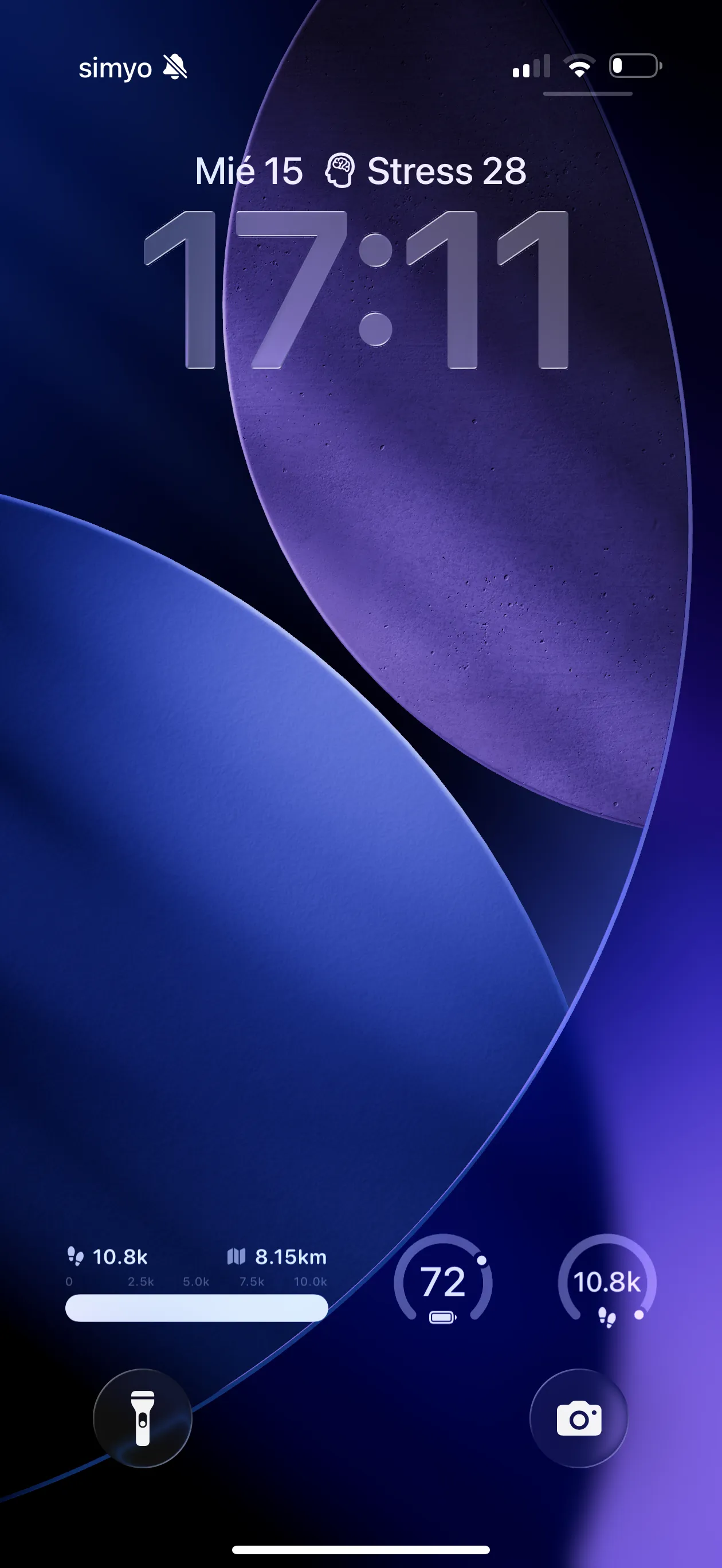
A circular Lock Screen surface for a glanceable Garmin heart-rate context.
Garmin heart rate at a glance
The Lock Screen includes a circular heart-rate widget in the accessoryCircular family and a rectangular wellness summary. On the Home Screen, small and medium WristGrid widgets can include heart-rate context alongside the rest of the local snapshot.
That gives you a quick place to see the latest available Garmin-native heart rate without opening a full dashboard every time you check your phone.
Resting heart rate in sleep and recovery context
Resting heart rate is Garmin-native and appears in WristGrid’s sleep and recovery context. It is useful as part of the surrounding picture rather than as an isolated number on the Lock Screen.
The glanceable widget is for context between deeper checks. The watch and app remain the places to review the broader sleep or recovery view when you need it.
What the heart-rate widget is not
The widget is not real-time and does not provide continuous heart rate monitoring. WidgetKit controls refresh, typically within 15–60 minutes, so the value may be a local snapshot rather than the latest beat-by-beat reading.
It is also not a live medical monitor. Treat the widget as an informational glance, not as a replacement for medical equipment or professional advice.
Setup and sync from your watch
Use an iPhone on iOS 18 or later with Garmin Connect Mobile installed, a compatible watch profile — Instinct 2S, vivoactive 5, or Forerunner 265 — GW Bridge installed from the Connect IQ Store, and Bluetooth turned on. Keep the phone near the watch so the watch-side bridge can provide the local snapshot.
Open WristGrid once, confirm GW Bridge is running on the watch, and wait for the next WidgetKit refresh. The exact timing is controlled by WidgetKit and is not guaranteed.
WristGrid is an independent product and is not affiliated with, endorsed by, or sponsored by Garmin. Garmin and Connect IQ are trademarks of Garmin Ltd.
FAQ
Frequently asked questions.
Can I see my Garmin heart rate on my iPhone?
Yes. WristGrid is designed to show Garmin-native heart rate in a circular Lock Screen widget, a rectangular wellness summary, and Home Screen widgets with heart-rate context.
Does the widget show resting heart rate?
Yes. Garmin-native resting heart rate appears in WristGrid’s sleep and recovery context.
Is the Garmin heart rate widget real-time?
No. It reads a local snapshot on WidgetKit’s schedule, typically within 15–60 minutes, and is not continuous heart rate monitoring or a live medical monitor.
What do I need for the heart-rate widget?
You need iOS 18+, Garmin Connect Mobile, GW Bridge from the Connect IQ Store, a compatible Instinct 2S, vivoactive 5, or Forerunner 265 profile, and Bluetooth.
NEXT STEP
Put your Garmin metrics on your iPhone.
Now on the App Store