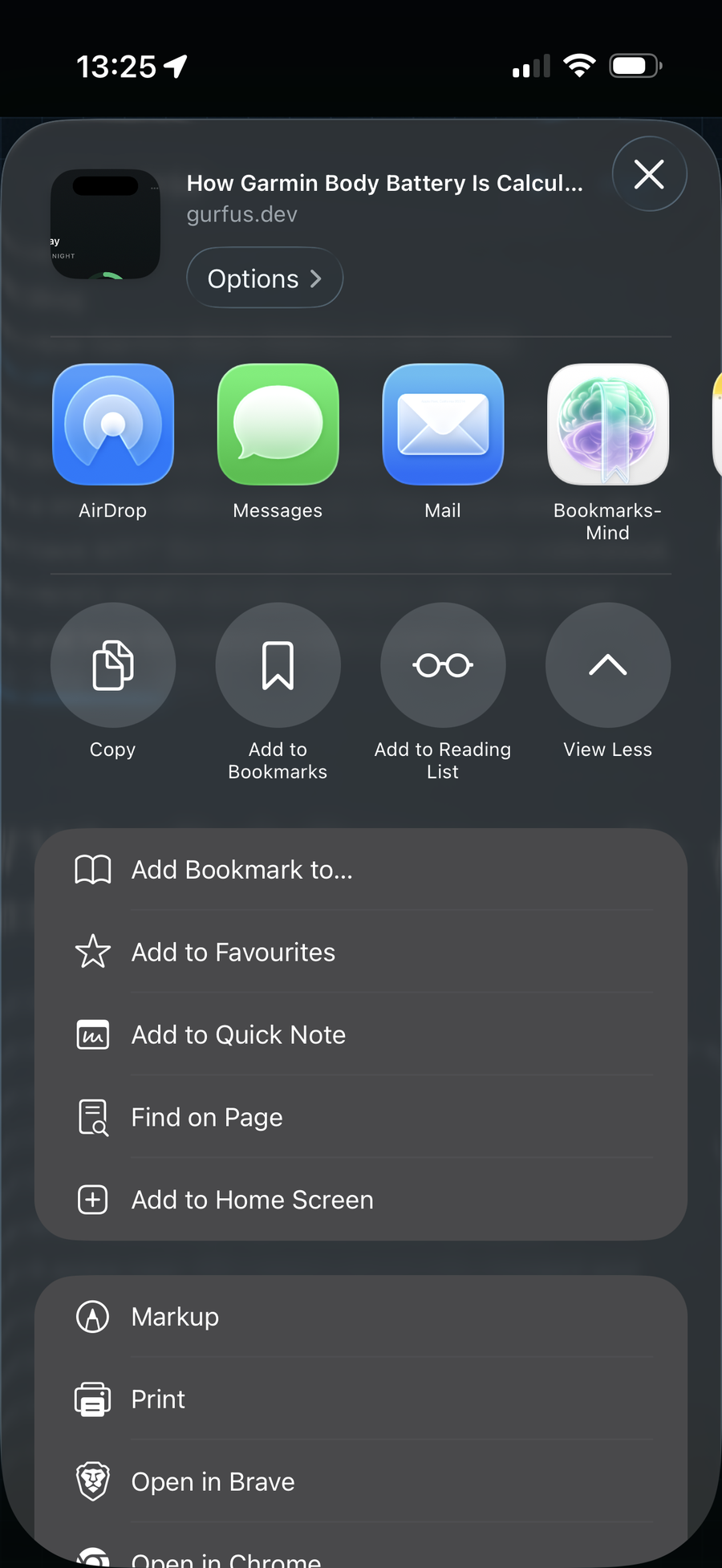
Share Sheet or Capture — links go to Review first, not a cemetery library.

BookmarksMind
BOOKMARKSMIND / TRIAGE-FIRST BOOKMARKS
Stop building a bookmark cemetery. Capture from Share Sheet, decide in Review, and keep only what earns a place in Vault — all local on your iPhone.
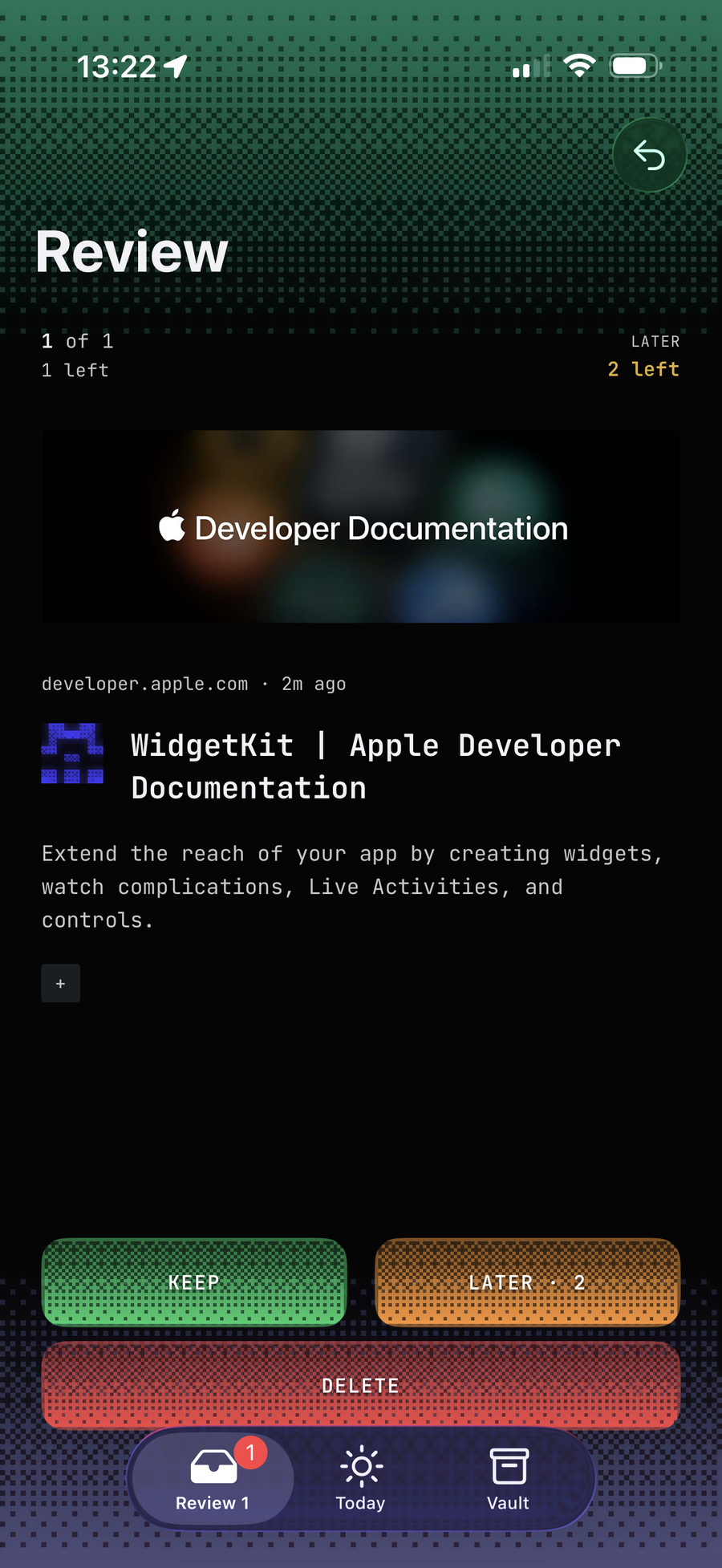
Review forces a decision — Keep, Later, or Delete — before anything becomes library.
01 / REVIEW
New shares land in Review. Keep / Later / Delete — max two Laters per item — so the queue shrinks instead of rotting.
Review forces a decision — Keep, Later, or Delete — before anything becomes library.
02 / FLOW
Share Sheet or Capture — links go to Review first, not a cemetery library.
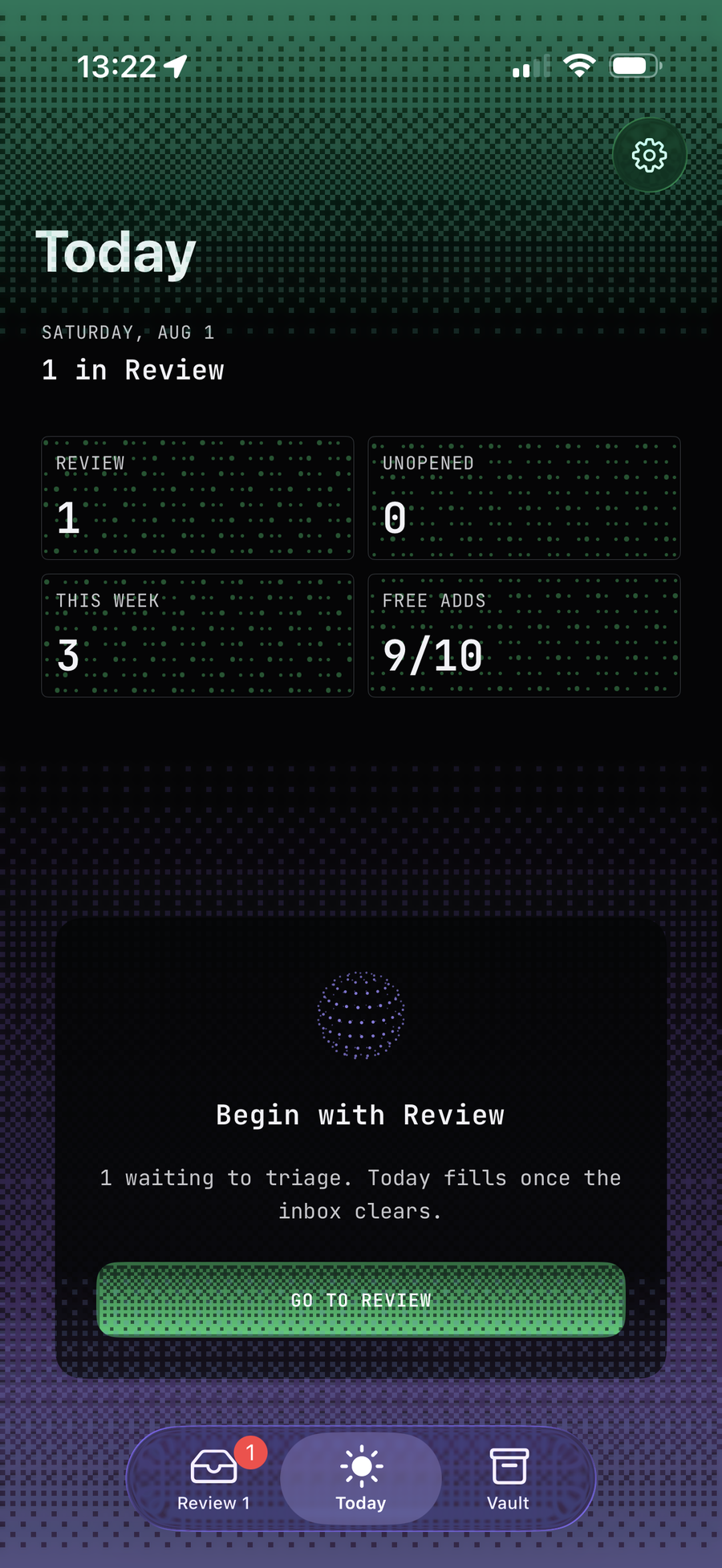
Today offers a short agenda — not another endless feed.
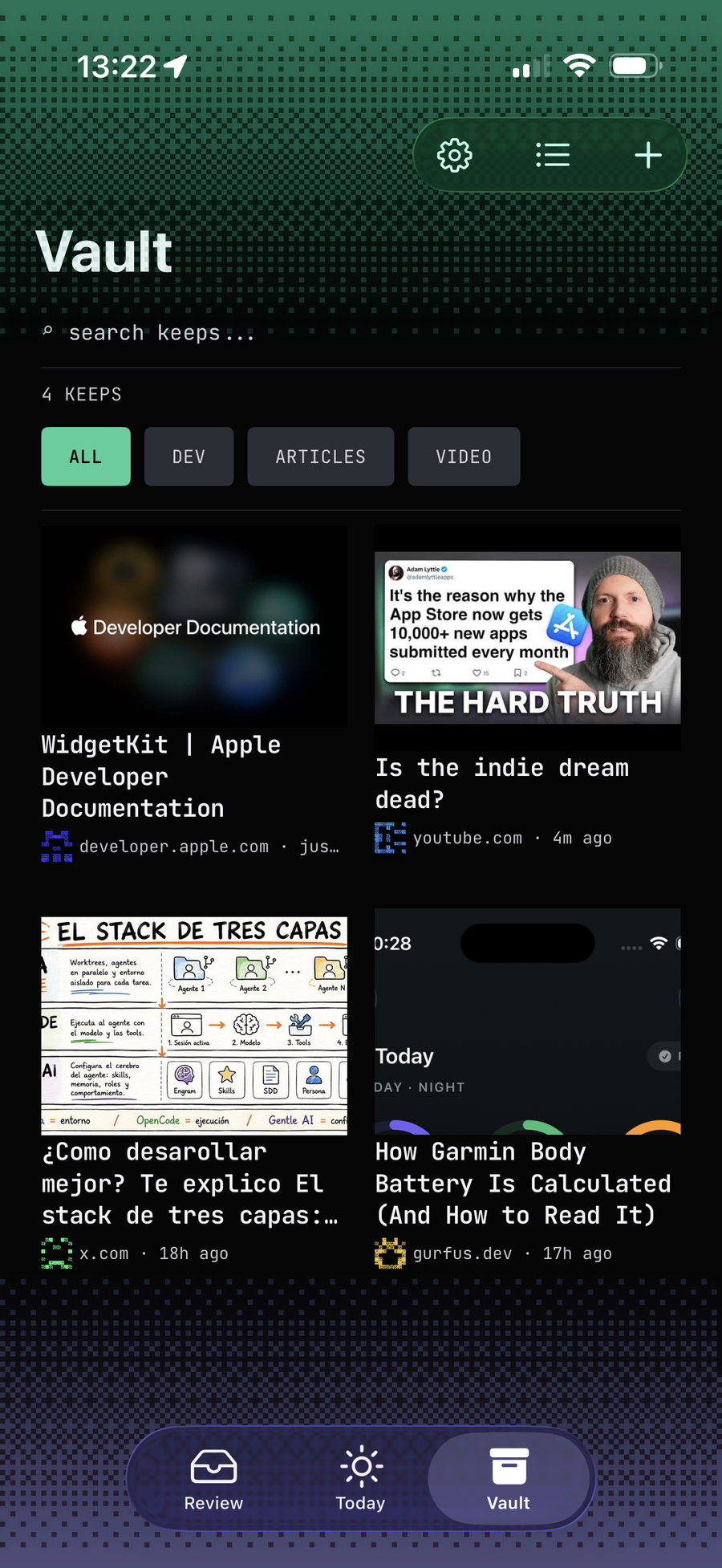
Vault holds only what you chose to Keep — media stays full color.
03 / SETUP
Install BookmarksMind on iPhone, share a link once, then clear Review. Free includes 10 new saves per month; lifetime unlocks unlimited capture.
SOURCE
Safari, X, YouTube — whatever the system Share Sheet delivers.
TRIAGE
Keep, Later (max 2), or Delete. Resurface +1d then +3d.
KEEP
Keep lands in Vault; Today offers a short daily agenda — not another endless feed.
04 / TRUST
Bookmarks stay on your iPhone. No BookmarksMind account. No Gurfus cloud sync for your vault.
Purchases use Apple IAP via RevenueCat. Content fetches happen on-device for articles you save.
Store listing not yet verified — informational status.
05 / FAQ
Yes. Free includes 10 new saves (ingest) per month. Deleting items does not free quota. Lifetime unlocks unlimited capture.
No. BookmarksMind does not create accounts. Restore purchases with your Apple ID.
Bookmarks live in a local SQLite database on your iPhone. The Share Extension writes temporary JSON to an App Group spool; the app ingests them. Gurfus does not operate a server that receives your vault.
Later snoozes an item back into Review — first Later resurfaces in about a day, second in about three days. A third appearance is Keep or Delete only.
No cloud sync for bookmarks. The app may fetch page content on-device for reading/enrichment of URLs you saved, and Apple/RevenueCat handle purchase receipts.
Store listing not yet verified — informational status. This page provides product and privacy facts while that status is current.